Mac Cleanup Cleaner 4 min read
How to Free Up Space on Your Mac Without Removing Files You Still Need
Reclaim Mac storage safely by reviewing large files, duplicates, and app leftovers before you delete anything you might still need.
Learn how to manage storage, organize files, browse more privately, and protect your Mac with clear, calm guidance.
Popular topics:


Reclaim Mac storage safely by reviewing large files, duplicates, and app leftovers before you delete anything you might still need.
Find focused advice for the part of your Mac experience you want to improve today.

4 articles · Cleaner
Practical ways to review storage, remove clutter, and keep your Mac running smoothly.
View guides
3 articles · Drive
Simple systems for organizing local files, downloads, folders, and backups.
View guides
4 articles · VPN
Clear guidance for safer browsing, public Wi-Fi, travel, and everyday privacy.
View guides
4 articles · Security
Friendly security habits for links, permissions, device checks, and safer daily use.
View guides
3 articles · BlueHammer
Step-by-step BlueHammer workflows for cleaner, safer, more organized Mac care.
View guides
2 articles · BlueHammer
Product improvements, release notes, and notes on how BlueHammer is built.
View guidesShort, practical guides for keeping your Mac cleaner, safer, and easier to use.

macOS defaults are good but not uniformly on. Seven security settings worth checking, where to find each, and the state to leave it in.

Migrate or start fresh, move your files without the clutter, and get the day-one settings right while the Mac is still clean.

A slow VPN usually has one of a few fixable causes. How to tell whether it's server distance, protocol, your Wi-Fi, or something else.

macOS already includes real antivirus. Whether you need more depends on how you install software. An honest look at the gaps that remain.

Dragging an app to the Trash leaves support files behind. Learn where app leftovers hide and how to remove them without breaking anything.

A plain account of what a VPN really hides from your ISP, the sites you visit, and the local network, and what stays fully visible even with the tunnel on.

A low-effort 3-2-1 Mac backup: Time Machine on a cheap external drive plus cloud sync for the files you can't replace, set up in about thirty minutes.

Learn the three kinds of Mac cache, when clearing them frees space or fixes a misbehaving app, and when it does nothing at all.

Why BlueHammer Cleaner is review-first: nothing gets deleted without you seeing what it is, why we think it's safe, and how to undo it.

June 2026 release notes: duplicate grouping in Cleaner, faster first-time Drive sync, VPN reconnect fixes, and a lighter Security checker.

A 15-minute Friday routine for downloads, storage, backups, and a quick security glance that keeps small Mac problems small.

A first-session walkthrough of the four BlueHammer tools and a sensible order to set them up in about twenty minutes.

Most Mac security problems come from staleness, not attacks. A 10-minute monthly pass over updates, extensions, permissions, and login items.

The trick to spotting a fake link is reading the domain right to left. How to find a link's real destination on a Mac before you click it.

A practical Mac checklist for public Wi-Fi at airports, hotels, and cafes: the settings that still matter, and the old advice you can stop worrying about.

Learn when a VPN helps most, from public Wi-Fi and travel to everyday browsing privacy.

Where duplicate downloads, copied folders, and repeated photo exports hide on a Mac, why they add up, and how to find and clear them safely before a cleanup.
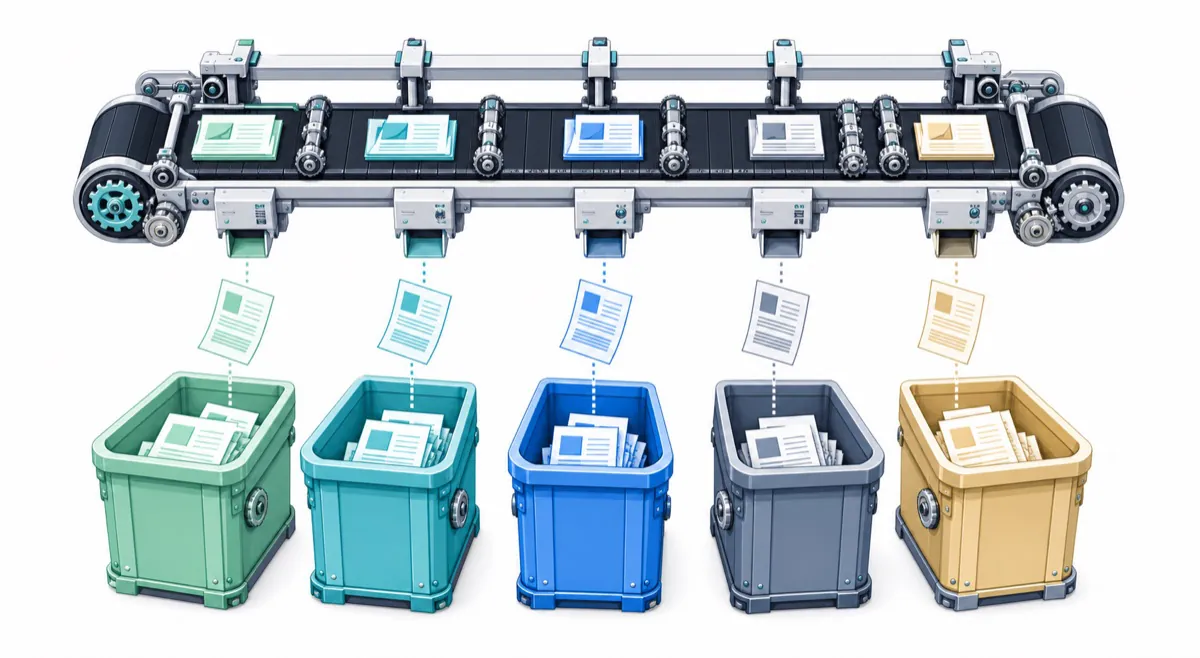
A simple five-folder Mac setup (Inbox, Active, Archive, Reference, Media) that stays maintainable, searches fast, and maps cleanly onto your backups.

Understand the caches, logs, snapshots, and app data behind the System Data storage category, and learn what is safe to review.
Reclaim Mac storage safely by reviewing large files, duplicates, and app leftovers before you delete anything you might still need.
Start here if you want the most useful BlueHammer guides for everyday Mac care.
macOS already includes real antivirus. Whether you need more depends on how you install software. An honest look at the gaps that remain.
Start with this guide Why BlueHammer Cleaner is review-first: nothing gets deleted without you seeing what it is, why we think it's safe, and how to undo it.
Start with this guide A first-session walkthrough of the four BlueHammer tools and a sensible order to set them up in about twenty minutes.
Start with this guide The trick to spotting a fake link is reading the domain right to left. How to find a link's real destination on a Mac before you click it.
Start with this guideClean up storage, organize files, protect privacy, and keep essential tools in one place.